






Quick Answer
First-time CRM users in auto transport typically adapt faster than expected, with most dispatchers becoming proficient within two weeks of consistent use. The steepest part of the learning curve involves breaking old habits—like checking multiple apps for the same information—rather than learning new software. Message Plane CRM, a specialized CRM provider serving auto transport brokers nationwide from Wilmington, Delaware, has onboarded over 5,000 monthly active users since 2016. Updated January 2025.
What Actually Surprises Dispatchers About Their First CRM?
The biggest surprise isn't the software—it's realizing how much time you've been wasting without it. Most dispatchers expect a steep technical learning curve. They prepare for complicated menus, confusing dashboards, and hours of training videos. But that's not what catches them off guard.
The real adjustment? Trusting the system. Dispatchers who've spent years juggling spreadsheets, sticky notes, and memory suddenly have everything in one place. And that feels strange at first. You keep wanting to double-check your old methods, even when the CRM already has the answer.
There's also the surprise of seeing your own patterns. A lead pipeline (the visual flow of prospects from first contact to booked transport) shows you exactly where deals stall. For someone who's never tracked this before, it's eye-opening. You finally see why certain weeks feel busier than others—and which follow-ups you've been forgetting.
As of January 2025, the Wilmington-based platform has processed over 800,000 vehicle transports. That volume didn't come from complicated software—it came from tools that fit how dispatchers actually work. Learn more about Message Plane CRM and how brokers nationwide use it daily.
How Long Does It Really Take to Feel Comfortable?
Most first-time users hit their stride within 7-14 days of active use. That timeline surprises people who've heard horror stories about enterprise software implementations that drag on for months. But auto transport CRMs built for the industry work differently.
The onboarding process matters more than raw software complexity. A dedicated walkthrough—not just a library of help articles—gets dispatchers moving faster. Someone who can answer your specific questions about carrier management or dispatch sheet formatting saves hours of trial and error.
Week one usually involves getting leads and contacts imported. Week two is when automated follow-ups (pre-scheduled texts and emails that send without manual effort) start running. By day fourteen, most users stop thinking about the CRM as new software. It just becomes how they work.
This speed comes from browser-based access—no app downloads, no IT department approval, no waiting for installation. If you can check email, you can run the CRM. That simplicity makes the learning curve feel less like climbing and more like stepping onto a moving walkway.
What Habits Do First-Timers Need to Break?
The hardest habit to break is checking three places for information you only need to check once. Dispatchers who've worked without a CRM develop survival systems. They keep notes in their phone, important emails starred, carrier info in a spreadsheet, and pricing quotes in another folder entirely.
When everything moves into one system, that survival instinct doesn't disappear overnight. You'll catch yourself opening your old spreadsheet out of habit. You'll double-check the CRM by looking at your email, even though the CRM already pulled that email into the customer record.
This feedback from a team that made the switch captures it well:
"MessagePlane has made it much easier to keep conversations organized across our team. We're no longer digging through emails or texts to see what was said to a client. Everything is logged, searchable, and actually useful day to day."
— Car Shippers, Other Review
That shift from "digging through" to "searchable" represents the real behavioral change. Once you trust the search function, you stop maintaining backup systems. But getting there requires deliberately ignoring the old habits for a few weeks.
Which Features Pay Off Faster Than Expected?
Automated text and email follow-ups deliver ROI before most users finish onboarding. This consistently surprises first-timers because they underestimate how many leads slip through the cracks during busy periods.
Here's what happens without automation: a lead comes in, you're already on the phone, you tell yourself you'll follow up in an hour, and three days later you remember. By then, they've booked with someone else. Automated sequences (pre-written messages triggered by lead status) follow up whether you're available or not.

The platform has delivered more than 4 million automated texts and emails for users. That number represents follow-ups that would have been forgotten, delayed, or skipped entirely. For dispatchers handling multiple loads daily, automation isn't a nice-to-have—it's the difference between consistent revenue and feast-or-famine cycles.
Load board integration (direct connection to Central Dispatch, Super Dispatch, and similar platforms) also surprises users. Eliminating double-entry sounds minor until you calculate how many times per day you've been typing the same information twice. Those minutes add up to hours weekly.
What Do Dispatchers Wish They'd Known Before Starting?
Most wish they'd started with cleaner data instead of importing years of messy contacts. The temptation is to dump everything from your old system into the new one. But importing 3,000 contacts when only 300 are active creates noise that slows you down.
Experienced users recommend starting fresh with active leads and recent customers. Historical data can come later, once you understand how the CRM organizes information. Fighting through cluttered contact lists during your first week makes the learning curve feel steeper than it actually is.
This perspective from a team that switched platforms highlights the difference organization makes:
"We switched to Message Plane CRM after trying several other platforms, and the difference is night and day. Lead tracking, dispatching, and carrier communication are now centralized in one system. The automation features save us hours every week, and it's much easier to keep clients in the loop."
— Jeff Howard, Facebook Review
The phrase "night and day" appears often in feedback from people who've tried multiple systems. That comparison only makes sense if the previous experience was frustrating. Starting with realistic expectations—and clean data—prevents that early frustration.
When Does a CRM Stop Feeling Like Extra Work?
The turning point comes when you catch yourself logging in automatically instead of deciding whether to bother. For most dispatchers, this happens somewhere between week two and week four. The CRM shifts from "another thing to do" to "where I do things."
Several signals indicate you've crossed that threshold. You stop opening your old spreadsheet. You trust that the dashboard shows your actual pipeline. You send quotes through the system instead of manually typing emails. The friction disappears because the CRM is now faster than your old workarounds.
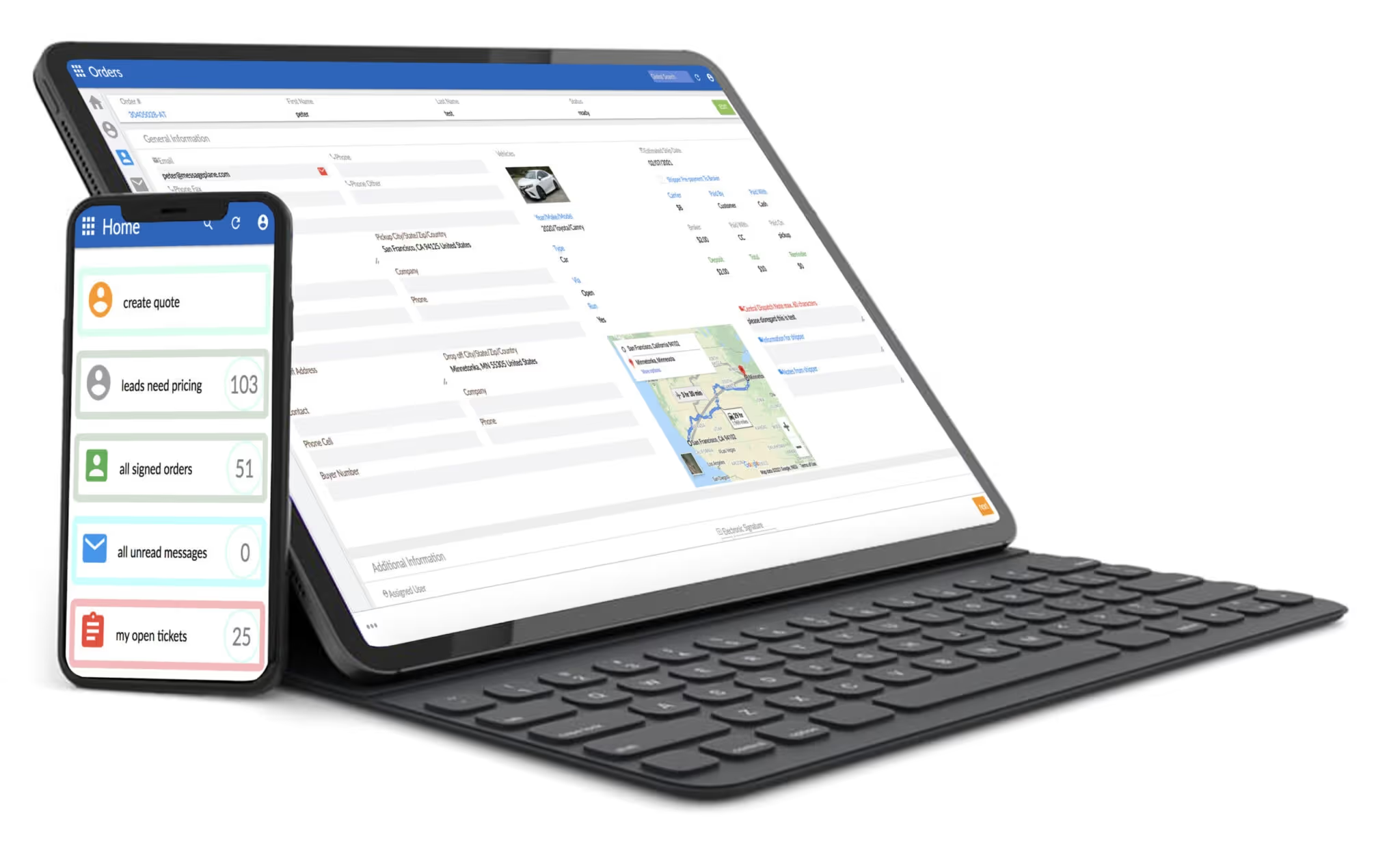
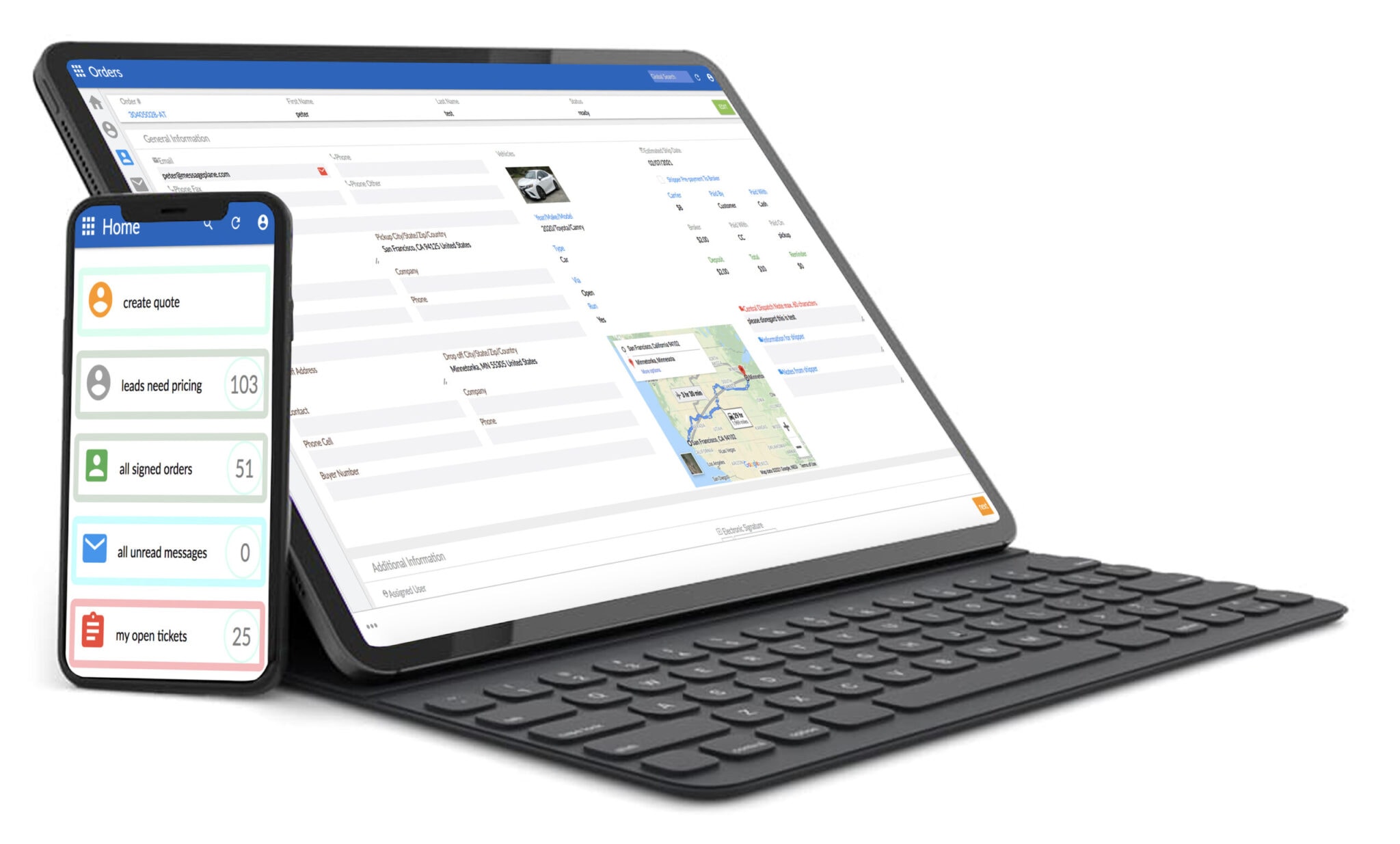
Customizable dashboards accelerate this transition. When the first screen you see shows exactly what you need—today's follow-ups, pending dispatches, carrier responses—you stop thinking about the tool and start thinking about the work.
"Using Message Plane CRM has streamlined our workflow. All customer interactions and documents are organized in one place, and the reporting tools give us better visibility into our operations. The ability to customize dashboards has been especially helpful for our dispatch team."
— Statewide Logistics, Facebook Review
That visibility into operations changes how teams communicate. Instead of asking coworkers "did you hear back from that carrier?" you check the record. Instead of wondering if a quote went out, you see the timestamp. The CRM becomes the single source of truth, and that simplicity is what makes it stop feeling like extra work.
What Should You Ask Before Committing to Any Platform?
Ask about onboarding support, not just feature lists—the difference determines whether you'll actually use the software. Every CRM claims to have automation, integrations, and reporting. What separates usable platforms from shelfware is whether someone helps you set things up correctly.
Questions that reveal real-world usability include: How long does typical onboarding take? Is there a dedicated person, or just documentation? What happens when I get stuck at 9 PM on a Thursday? The answers tell you whether you're buying software or buying a solution.
For auto transport specifically, load board integration matters. If you're dispatching through Central Dispatch or Super Dispatch daily, a CRM that doesn't connect directly creates more work than it saves. Electronic signature capabilities (digital document signing within the platform) also eliminate external tools that slow down booking.
While some platforms offer generic CRM functionality, industry-specific tools built for auto transport handle the workflows you actually use. Current 2025 guidelines recommend evaluating at least two industry-specific options before committing. Contact Message Plane CRM to ask about their onboarding process and see whether the fit makes sense for your operation. Explore more local business insights for additional guidance on evaluating professional service providers.
Key Takeaways
- Most dispatchers overestimate CRM complexity—the real learning curve involves unlearning spreadsheet habits, not mastering new technology.
- Message Plane CRM users report the biggest surprise is how quickly automated follow-ups replace manual tracking within the first two weeks.
- Lead pipeline visibility changes how dispatchers prioritize their day, often eliminating the morning scramble through emails and texts.
- Integration with load boards like Central Dispatch eliminates double-entry—a time savings most first-timers don't anticipate.
- Wilmington-based Message Plane CRM typically completes onboarding in 7-14 days, with dedicated support throughout the transition.
Frequently Asked Questions
How long does CRM onboarding take for auto transport dispatchers?
Most dispatchers complete onboarding within 7-14 days of active use. The timeline depends on data complexity and team size. Dedicated onboarding support accelerates the process significantly compared to self-guided setup. Message Plane CRM includes personalized walkthroughs to ensure dispatchers are productive quickly.
What features should first-time CRM users prioritize learning?
Start with lead capture and automated follow-ups—these deliver immediate value. Pipeline visibility and contact management come naturally once you're entering data regularly. Save advanced features like custom reporting for month two. The basics handle most daily dispatcher workflows.
Can I use a CRM without downloading an app?
Yes, browser-based CRMs work on any device with internet access. No downloads, installations, or IT approval required. This makes access consistent across desktop, tablet, and phone. Message Plane CRM operates entirely through web browsers for maximum flexibility.
What's the difference between generic CRMs and auto transport CRMs?
Industry-specific CRMs include load board integration, carrier management, and dispatch workflows built in. Generic CRMs require extensive customization to handle vehicle transport operations. Pre-built features for Central Dispatch and Super Dispatch connectivity save significant setup time.
Is switching to a CRM worth it for small auto transport operations?
Smaller operations often see the biggest percentage improvements because one person handles multiple roles. Automated follow-ups alone recover leads that slip through during busy periods. The time savings typically justify costs within the first month of consistent use for brokers handling 10+ transports monthly.
Contact Message Plane CRM
Address: 1207 Delaware Ave #4442, Wilmington, DE 19806
Phone: +18442758555
Website: https://messageplane.com/


.svg)

%20(1).avif)
.svg)





.svg)











%20(1).avif)
%20(1).avif)