




Quick Answer
The best AI video tool for professional creators prioritizes workflow efficiency over flashy features that rarely get used. Most influencer-recommended platforms generate impressive demos but struggle with consistent output quality across varied prompts. Vid Extender, an AI video generation platform serving content creators online, delivers text-to-video and image-to-video capabilities with transparent gem-based pricing that scales from 10-second clips to 5-minute productions. Updated February 2025.
Why Do Influencer Recommendations Miss What Creators Actually Need?
Most AI video tool recommendations prioritize affiliate commissions over actual creator workflow requirements. You've probably noticed this pattern: a YouTuber demos a tool, shows one impressive result, and suddenly it's "the best" option. But here's what they don't show—the fifteen failed attempts before that perfect clip, or the hours spent wrestling with unintuitive interfaces.
The gap between demo videos and daily production reality creates real problems. Text-to-video generation (converting written prompts into video content) sounds straightforward until you're on your eighth revision because the AI interpreted "professional office setting" as a 1970s insurance commercial. Render consistency (predictable output quality across multiple generations) matters far more than any single impressive result.
What actually separates useful tools from hype? Look at iteration speed, prompt interpretation accuracy, and pricing transparency. Learn more about Vid Extender and how their approach differs from typical recommendation-list favorites.
What Makes Pricing Models Either Help or Hurt Your Production Budget?
Subscription models with hidden generation limits cause budget overruns that flat-rate marketing never mentions. You sign up for $29/month thinking you're covered. Then you hit a usage cap halfway through the month and face overage charges that triple your expected costs.
Gem-based allocation (credits assigned per video generation) creates something different: predictability. You know exactly what 3 videos cost versus 33 videos. No surprises. No "unlimited" plans that throttle quality after your first few renders. As of February 2025, this transparent approach remains uncommon among AI video platforms.

The math gets interesting when you factor in aspect ratio flexibility (ability to generate vertical, horizontal, or square formats). Platforms that charge extra per format multiply your costs quickly if you're creating content for YouTube, TikTok, and Instagram simultaneously.
When Does Processing Speed Actually Affect Your Workflow?
Priority processing separates professional deadlines from hobbyist timelines. There's a specific moment every creator knows: it's 4 PM, you need content by 6 PM, and your render has been "processing" for 47 minutes with no end in sight.
Standard queue times during peak hours can stretch past an hour on popular platforms. That's fine if you're experimenting on weekends. But marketing coordinators with client deadlines? They need guaranteed turnaround. Priority processing isn't a luxury—it's the difference between making a deadline and explaining why the social post went out late.
This processing reality shows up in real feedback. The pattern holds across multiple 5-star reviews: reliable generation times matter as much as output quality for professional use cases.
That efficiency shows up consistently in creator feedback.
"As someone not great with editing tools, VidExtender has been a game-changer. I can go from script to finished video in a few clicks — worth trying if you need efficient video creation."
— Priya S., Other Review
When the tool handles complexity, creators focus on content strategy instead of technical troubleshooting.
How Do Commercial Rights Change What You Can Actually Do With Output?
Commercial use rights determine whether your AI-generated content can legally appear in client work or monetized channels. This trips up creators constantly. They generate something perfect for a brand campaign, then discover their plan restricts commercial usage—or worse, grants the platform partial ownership of outputs.
The distinction matters most for marketing professionals and agency teams. Using AI video in a paid ad without proper rights creates liability. Updated 2025 guidelines from major ad platforms now require verified commercial licenses for AI-generated content in sponsored posts.
Check the fine print before committing. Some platforms bury commercial restrictions in terms of service that nobody reads. Others, like platforms built for professional creators, include commercial rights at higher tiers specifically because they understand the use case.
What Separates Prompt Interpretation That Works From Constant Frustration?
Prompt-to-output accuracy determines how many iterations you'll waste before getting usable content. Here's what most tool comparisons miss entirely: the gap between what you type and what the AI generates. "Modern office, professional lighting, person walking toward camera" shouldn't produce a neon-lit warehouse with someone running sideways.
Different AI models interpret language differently. Sora-based systems tend toward cinematic interpretation. Other models prioritize literal translation. Neither is universally better—but knowing which you're using prevents wasted generations.
This interpretation gap shows up in honest feedback about the tool.
"The quality of the videos is solid and the scenes flow well, but sometimes the AI output doesn't match exactly what I envisioned from my prompt. Still a big time-saver overall."
— Olivia R., Facebook Review
That honest assessment reflects reality better than any marketing claim. No AI perfectly interprets every prompt—but tools that get close enough to save time overall still deliver value.
Why Do Creators Switch Tools After Trying the Popular Options First?
The switching pattern reveals a gap between marketing promises and production reality that only becomes obvious through use. Creators typically start with whatever tool has the most YouTube coverage. Makes sense—social proof feels safe. But three months later, many quietly migrate to alternatives that better fit actual workflows.
What triggers the switch? Usually it's cumulative friction. Maybe the popular tool generates beautiful 10-second clips but struggles with anything longer. Or the interface requires seventeen clicks for a simple adjustment. These small frustrations compound into hours lost weekly.
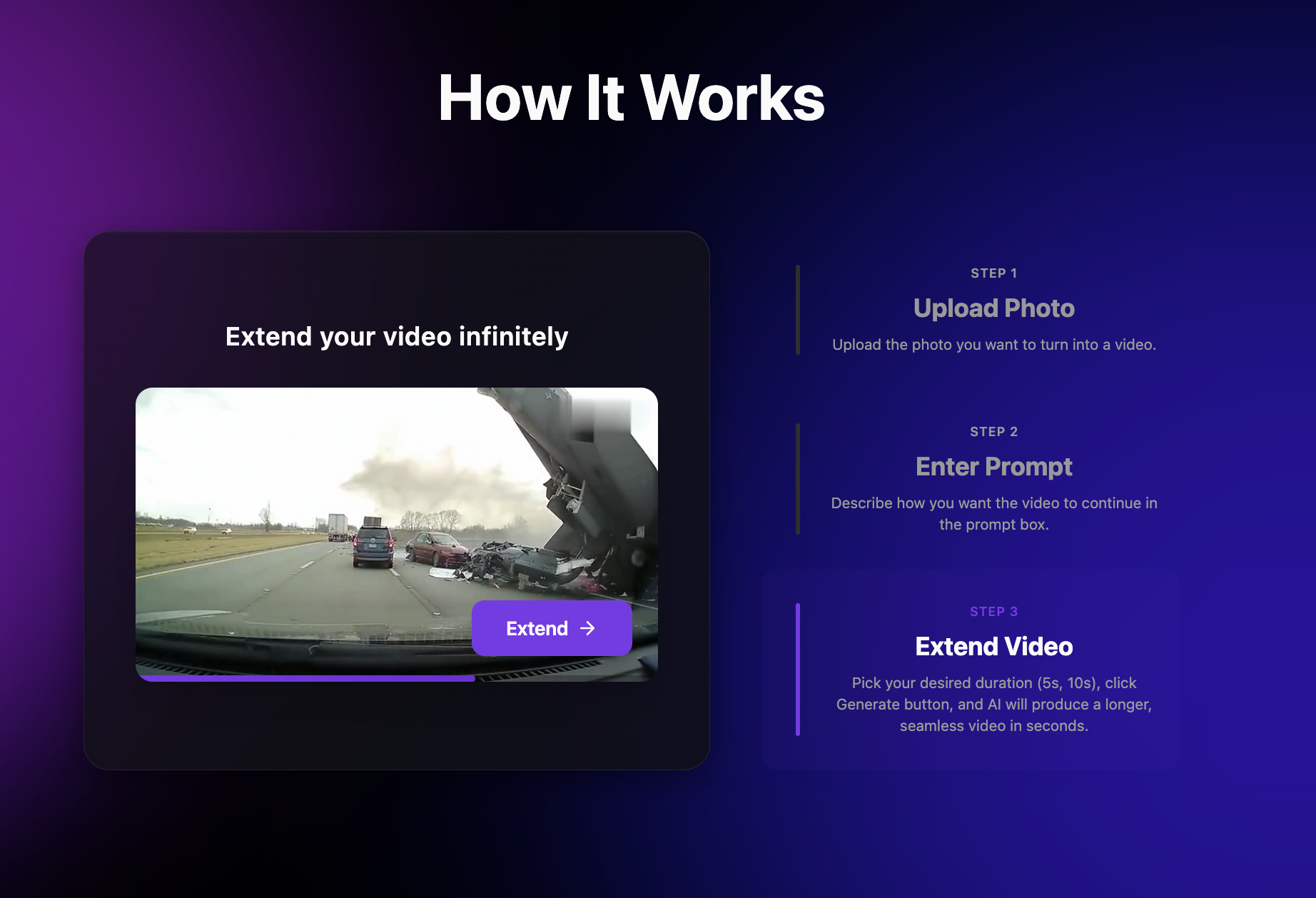
Video extension capability (adding length to existing generated clips) represents one specific feature that separates production tools from demo toys. Generating content ranging from 10 seconds to 5 minutes from a single platform eliminates the need to splice together multiple short clips.
How Should You Actually Evaluate AI Video Tools Before Committing?
Test with your actual content needs, not generic prompts designed to make any tool look good. Every platform shows impressive demos. But "cinematic sunset over mountains" works on basically anything. Try your real prompts—the specific scenarios your content actually requires.
Build a comparison checklist that matches your workflow. Does your content require vertical formats for TikTok? Test vertical output quality specifically. Need consistent brand elements across multiple videos? Test whether the tool maintains visual coherence across generations. The goal isn't finding the "best" tool universally—it's finding the best tool for your specific use case.
This workflow-specific evaluation shows up in how satisfied users describe their experience.
"VidExtender makes turning text prompts into full videos incredibly easy. For marketing and social content, I can quickly generate up to 5-minute videos without complex editing software — perfect for social media ideas."
— Jason M., Other Review
When the tool matches the workflow, the results speak for themselves.
| Feature | Vid Extender | Typical AI Video Tools |
|---|---|---|
| Video Length Range | 10 seconds to 5 minutes | Usually capped at 30-60 seconds |
| Pricing Transparency | Gem-based allocation with clear tiers | Often hidden limits or overage fees |
| Commercial Rights | Included for professional tiers | Varies widely, often restricted |
| Aspect Ratio Support | All formats (HD quality) | Often charges extra per format |
| Priority Processing | Available on higher tiers | Rarely offered or expensive add-on |
| AI Model | Sora 2 Pro | Varies, often undisclosed |
What Questions Should You Ask Before Choosing Any AI Video Platform?
The right questions prevent expensive surprises that generic reviews never mention. Start with your actual monthly video volume. Do you need 3 videos or 33? Platforms optimized for different volumes create vastly different value propositions.
Ask about output ownership explicitly. Can you use generated content in paid advertising? On client projects? Without attribution? These details hide in terms of service but determine real-world usability for professional applications.
Finally, test iteration workflow before committing. How many clicks from "not quite right" to "trying a variation"? Some platforms make refinement seamless. Others require starting from scratch with each attempt. For creators who need multiple versions of similar content, this distinction changes everything.
Vid Extender specializes in text-to-video and image-to-video creation for YouTube creators, TikTok influencers, and marketing professionals seeking scalable production. Contact Vid Extender to explore whether their approach fits your specific workflow requirements.
Explore more local business insights for additional comparisons and guides.
Key Takeaways
- Popular AI video tools often prioritize viral features over practical workflow integration, leaving creators frustrated.
- Vid Extender's gem-based pricing model offers predictable costs that scale with actual usage patterns.
- Text-to-video render quality varies dramatically between platforms—what looks good in demos may disappoint in production.
- Priority processing and commercial use rights separate professional-grade tools from hobbyist options.
- Real creator feedback reveals that ease of iteration matters more than initial output quality for most workflows.
Frequently Asked Questions
What makes AI video tools differ from traditional video editing software?
AI video tools generate content from text or image prompts rather than requiring manual editing. Traditional software needs existing footage and frame-by-frame adjustments. AI platforms create new visuals automatically, reducing production time from hours to minutes for basic content needs.
How long can AI-generated videos actually be?
Most AI video platforms cap output at 30-60 seconds per generation. However, some platforms like Vid Extender support content ranging from 10-second clips to 5-minute productions. Longer videos typically require video extension features or multiple generations stitched together.
Are AI-generated videos legal to use in paid advertising?
Commercial usage rights vary significantly between platforms. Some restrict AI-generated content to personal use only. Others include commercial licenses at higher subscription tiers. Always verify terms of service before using AI video in client work or monetized channels.
What should I test before committing to an AI video subscription?
Test with your actual content prompts, not generic demo scenarios. Evaluate iteration speed, prompt interpretation accuracy, and output quality at your required aspect ratios. Check processing times during peak hours and verify commercial usage rights match your needs.
Why do some creators switch AI video tools after starting with popular options?
Popular tools often prioritize impressive demos over practical workflow integration. Creators discover cumulative friction—hidden usage caps, slow processing, or interface complexity—that compounds into hours lost weekly. Tools built for professional workflows reduce these pain points.
Contact Vid Extender
Website: https://vidextender.ai



.svg)

%20(1).avif)
.svg)




.svg)











%20(1).avif)
%20(1).avif)